
Grok Imagine 2.0 Review – Real Text & Editing Test
Hands-on review of Grok Imagine 2.0 Quality Mode. Testing precise typography rendering, magic wand localized editing, multi-reference inputs, and Arena benchmarks.


Grok Image 2.0 was released on August 7 as the new Quality Mode within Grok Image and the mobile apps. I spent the first full day running the same prompts I normally use for product mockups, dense posters and portrait work to see what actually changed.
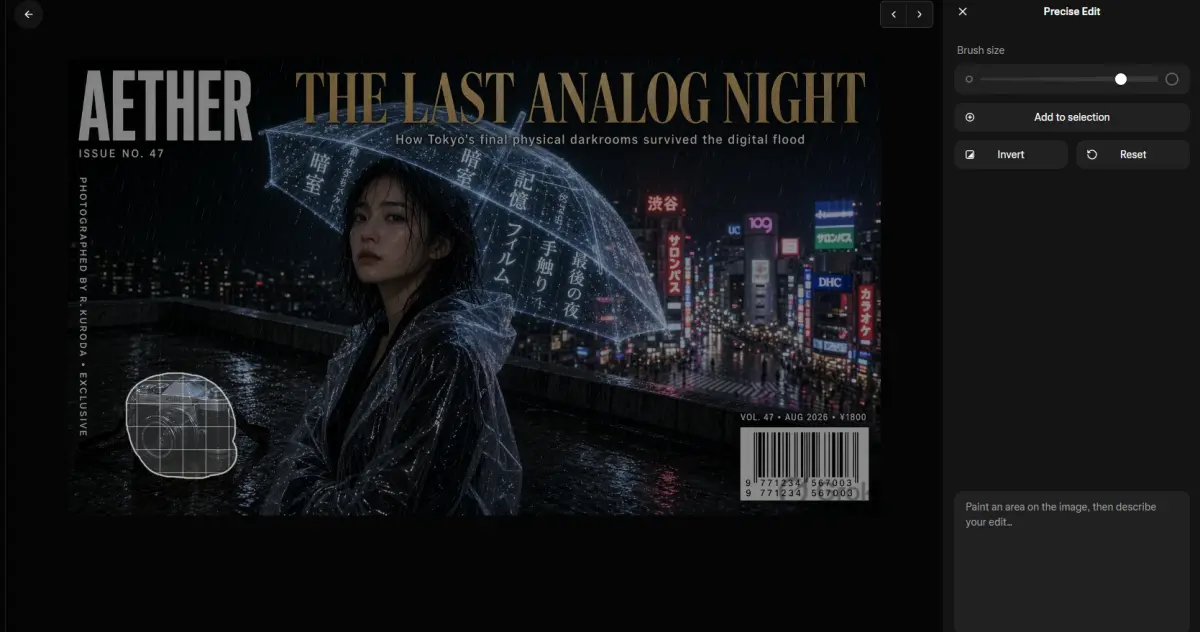
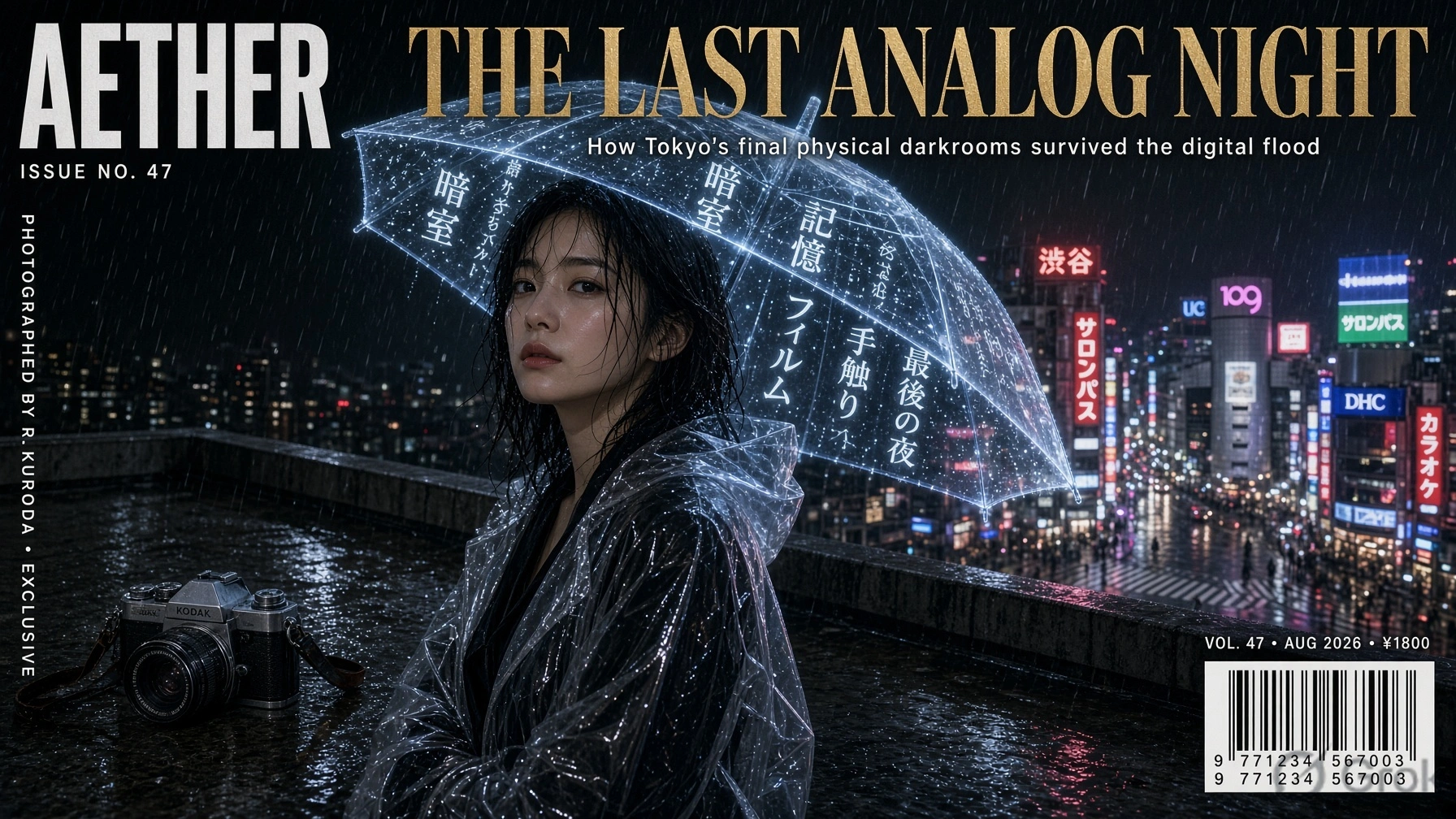
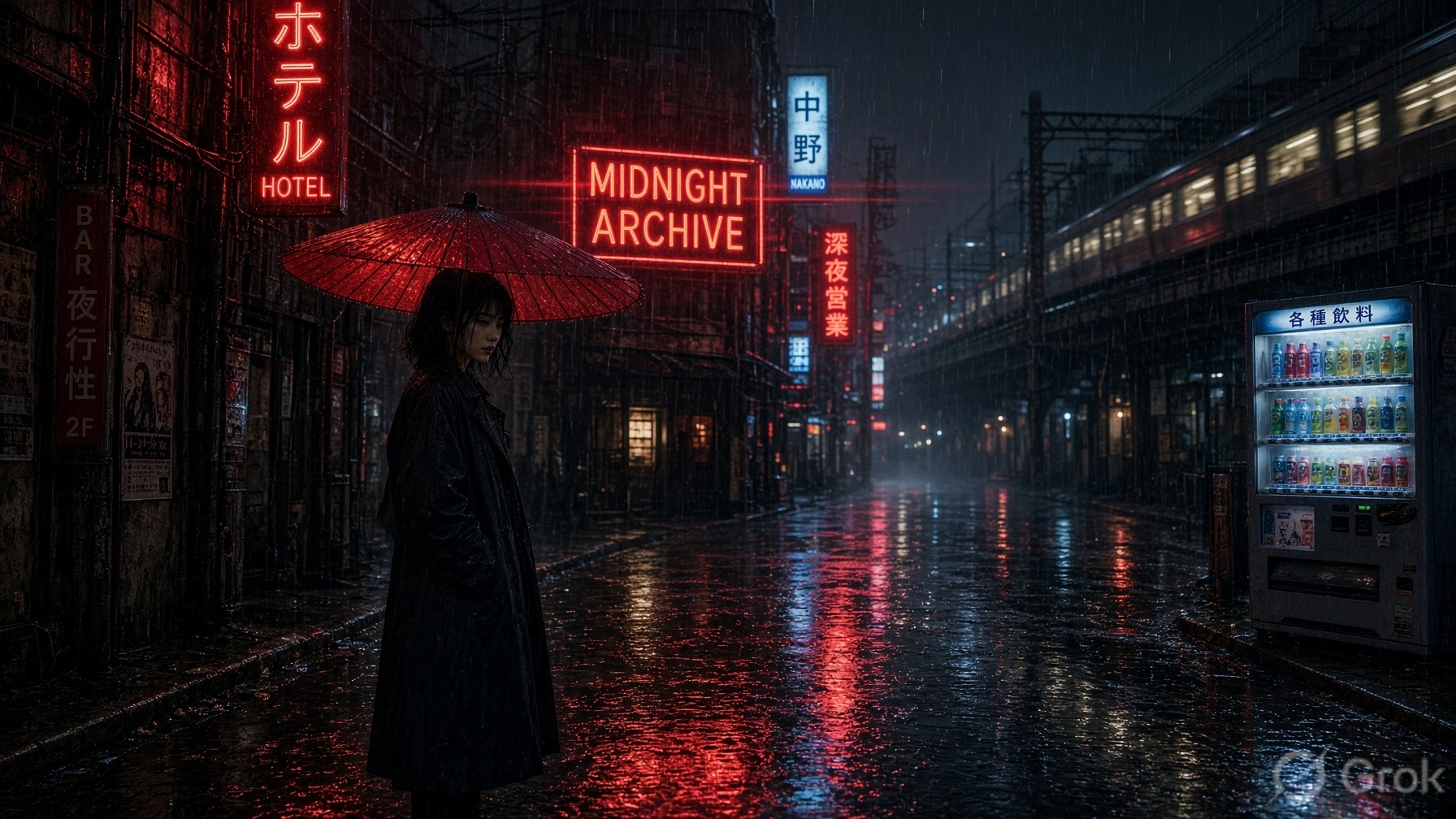
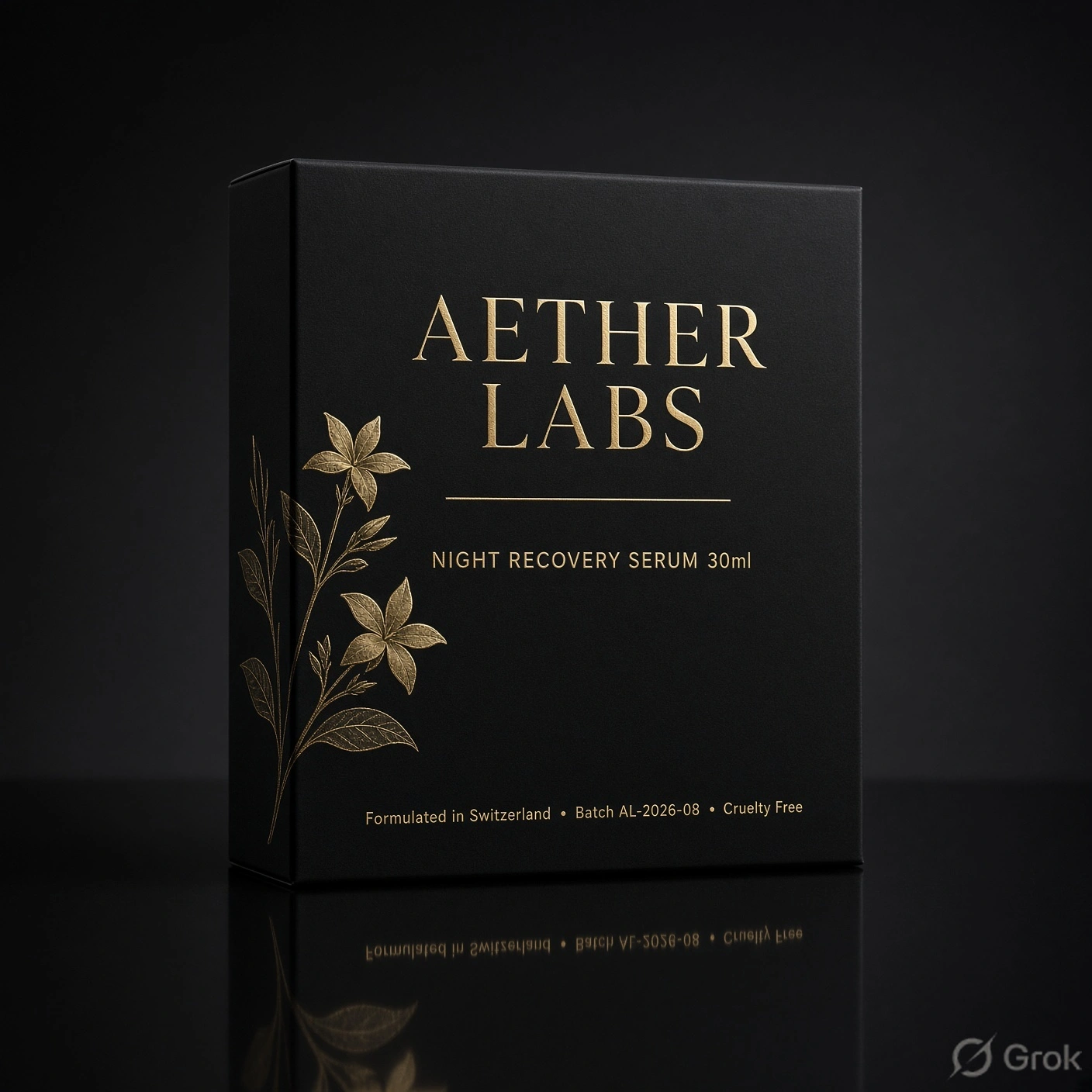
Older versions often turned small labels into soft mush or swapped letters once the layout got crowded. With 2.0 the type stays sharp even when you stack a logo, a product name, a batch code, and a short paragraph on the same packaging shot. I tried a full magazine-cover style prompt with a large serif title, a thin subtitle, a barcode block, and vertical edge text. The letters held their shape and spacing. That alone makes the difference between a usable asset and something you have to rebuild in Figma.
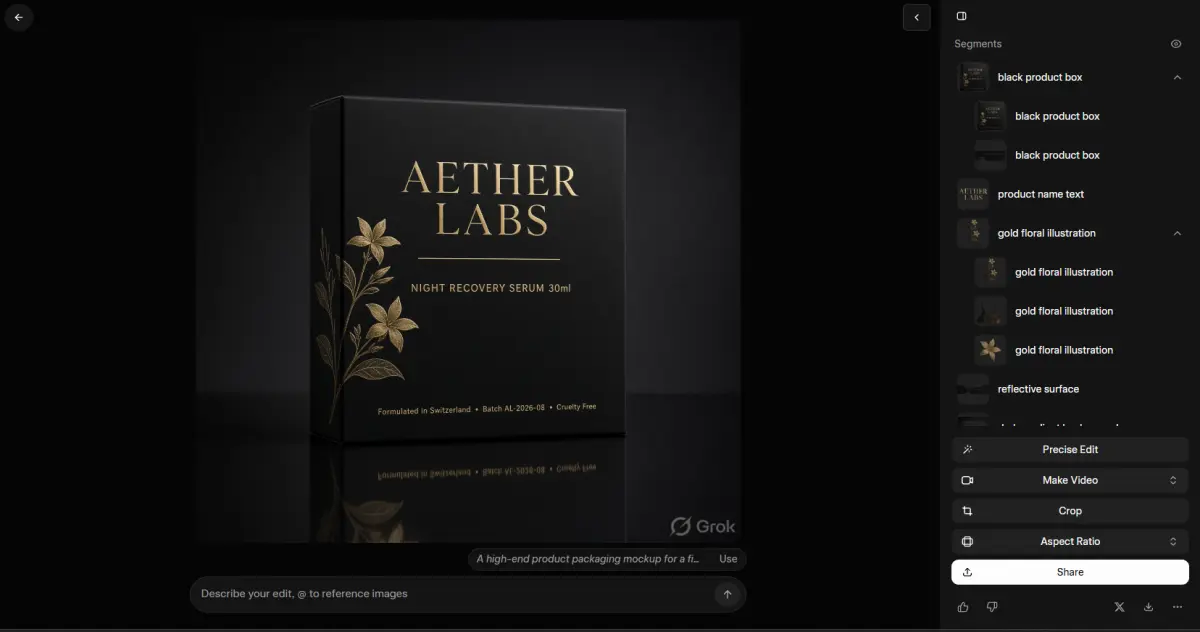
Editing is where the update feels most practical. The Magic Wand lets you point at one region and change only that part. The rest of the image stays locked. Segmentation gives a tighter selection when you need to isolate an object. Background removal drops a clean transparent PNG ready for other tools. You can also feed up to five reference images in one go so the model can pull style, pose, or product details without manual compositing. I tested a simple product colour swap and a hair change on a portrait. Both kept the original lighting and skin texture intact. Earlier models usually bled the edge into surrounding areas or softened the face.
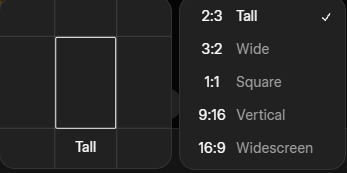
Smart resize is straightforward. You pick one of the listed ratios (1:1, 3:4, 9:16, 16:9, 2:1 and the rest) and the model extends or crops the frame while trying to keep important elements. It works better on centred subjects than on busy scenes, but it saves a round of external editing for most social sizes.
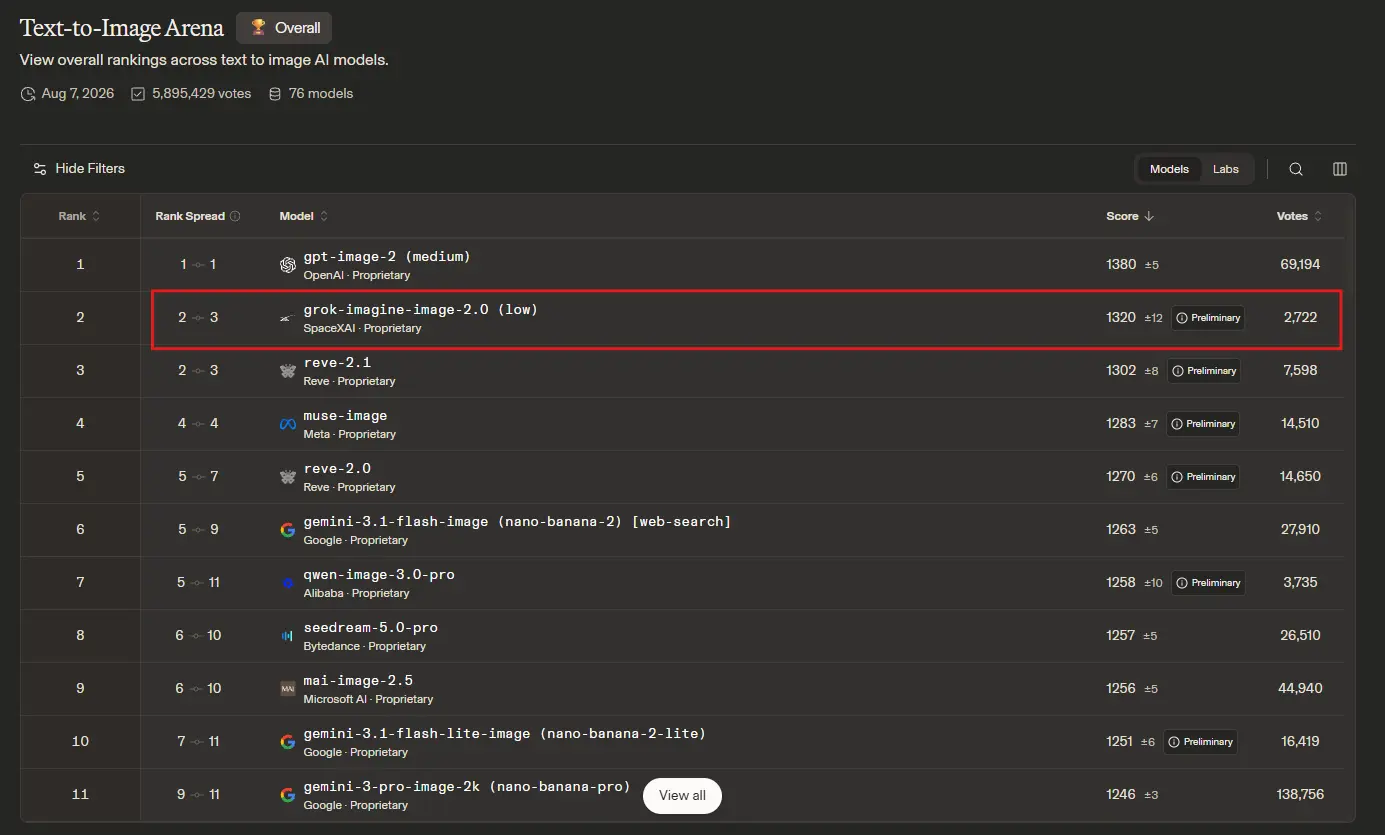
On the public Arena boards as of August 7, the model sits second in both text-to-image and image-edit categories, right behind OpenAI’s gpt-image-2. xAI lists the entries under the SpaceXAI name. The jump from the previous Quality version is clear in the numbers. Full details and the exact Elo figures are on the official announcement page and the Arena leaderboards.
There are ready setups for product shots, professional headshots, icon sets, game props, e-commerce photos, and a few marketing layouts. You drop in your inputs and the workflow is already configured. I used the product-poster template with a simple bottle shot and got a clean result with readable type on the first try. Useful when you need volume rather than one perfect hero image.
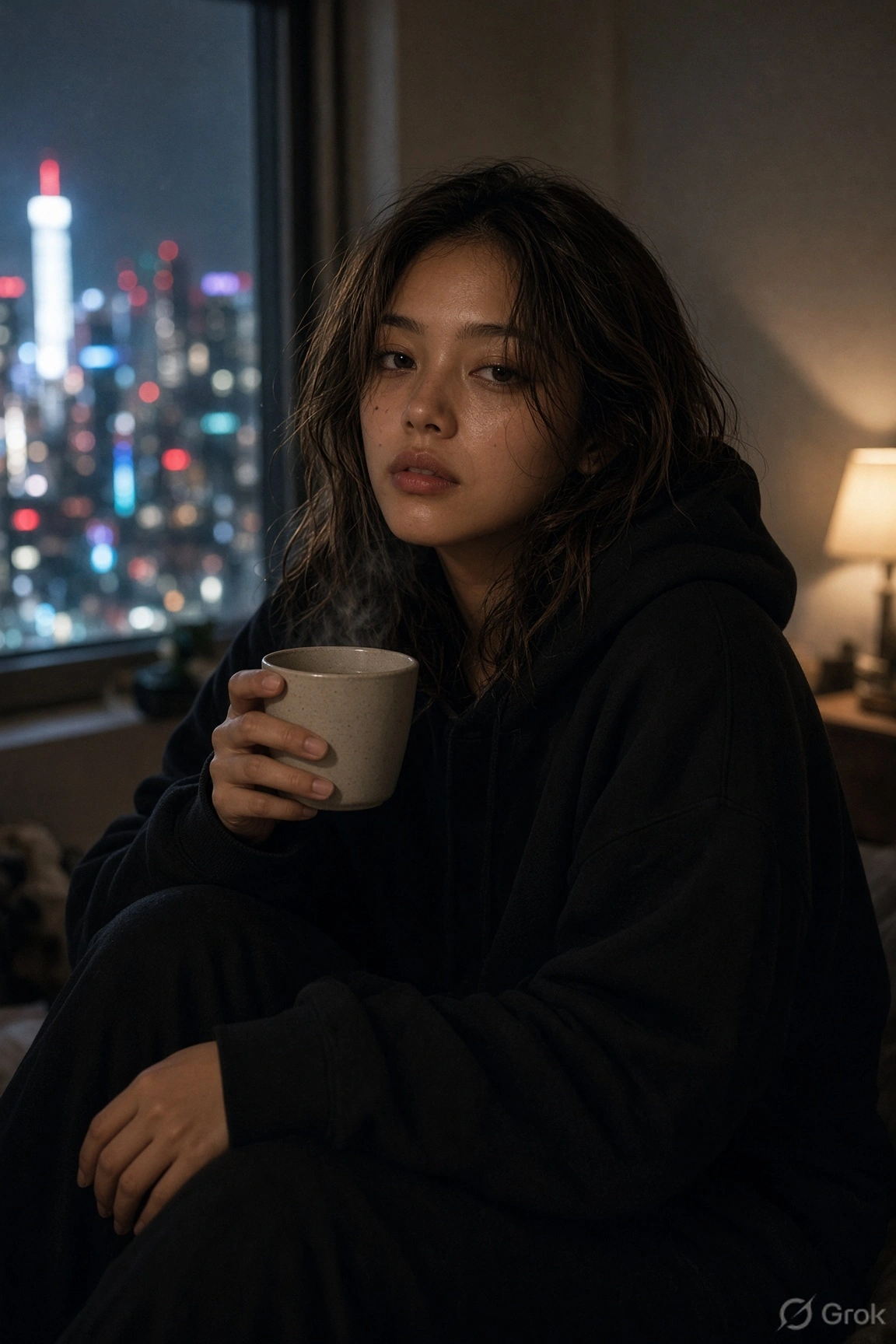
I ran the same set of aggressive text and portrait prompts I used last month. The text versions came out cleaner. The portraits kept better skin detail and more consistent eye reflections under mixed lighting. That is the kind of incremental reliability that actually matters when you are shipping assets the same day.
Some of my images were created with Grok Imagine.
If you already use Grok Imagine, switch to Quality Mode and try one of your old failed text prompts. The difference is immediate. Official write-up and feature list are here.
Share this publication
Related Publications

xAI Launches Grok Bot — AI Agents That Sign Into Your Tools and Get Work Done
xAI releases Grok Bot in early beta for SuperGrok Heavy and Cursor subscribers. Discover how these autonomous AI agents sign into tools to handle workflows.

Sign Language Has a 500-Year History - Now Your Pixel Can Finally Read It
Google DeepMind launches SL2T on Pixel 11 — a breakthrough on-device AI translating American Sign Language into text in real time across Gboard and Live Transcribe.